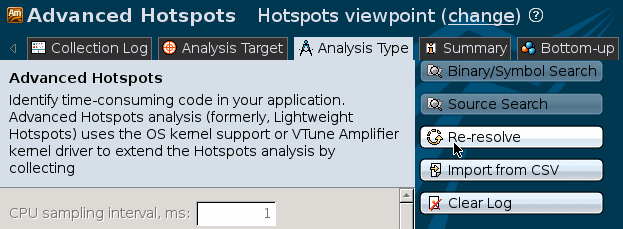
Intel® VTune™ Amplifier resolves symbols for your Intel Xeon Phi coprocessor application on the host during collection post-processing. For proper symbol resolution, you need to specify the search paths to your binary, source and symbol files located on your host system before the collection.
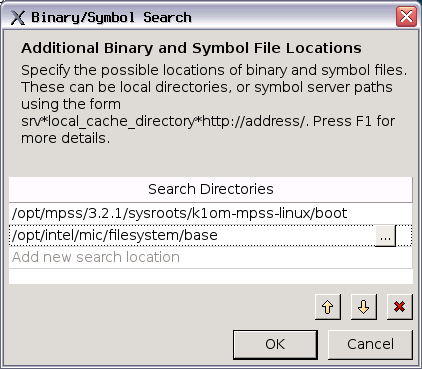
To specify search directories from command line, use the -search-dir and -source-search-dir options. For example:
$ amplxe-cl -target-system=mic -collect advanced-hotspots -search-dir /opt/mpss/3.2.1/sysroots/k1om-mpss-linux/boot -search-dir /opt/intel/mic/filesystem/base -- /home/spec/benchspec/run.sh
Re-resolving Results
You can also specify search paths after collection. In this case, you should re-resolve the result to get the symbol information from the binaries once the symbol paths are established.