To access this window: Click the
 sub-tab in the result tab.
Use this window to analyze performance of each program unit per performance metrics identified by Intel architects.
|
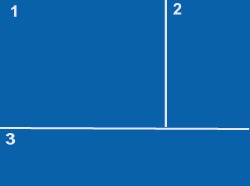
Bottom-up Window Layout
|
Bottom-up Window Panes
Use this window to interpret: |
Note
For some viewpoints (for example, Memory Usage), the Timeline pane is provided in the upper section of the Bottom-up window.